Stordia HospitalityFill your tables
Online booking, around the clock.
Your guests book on your website and confirm with a code. The reservation appears in the day plan of the Manager App. No fee per reservation.
How your guest books
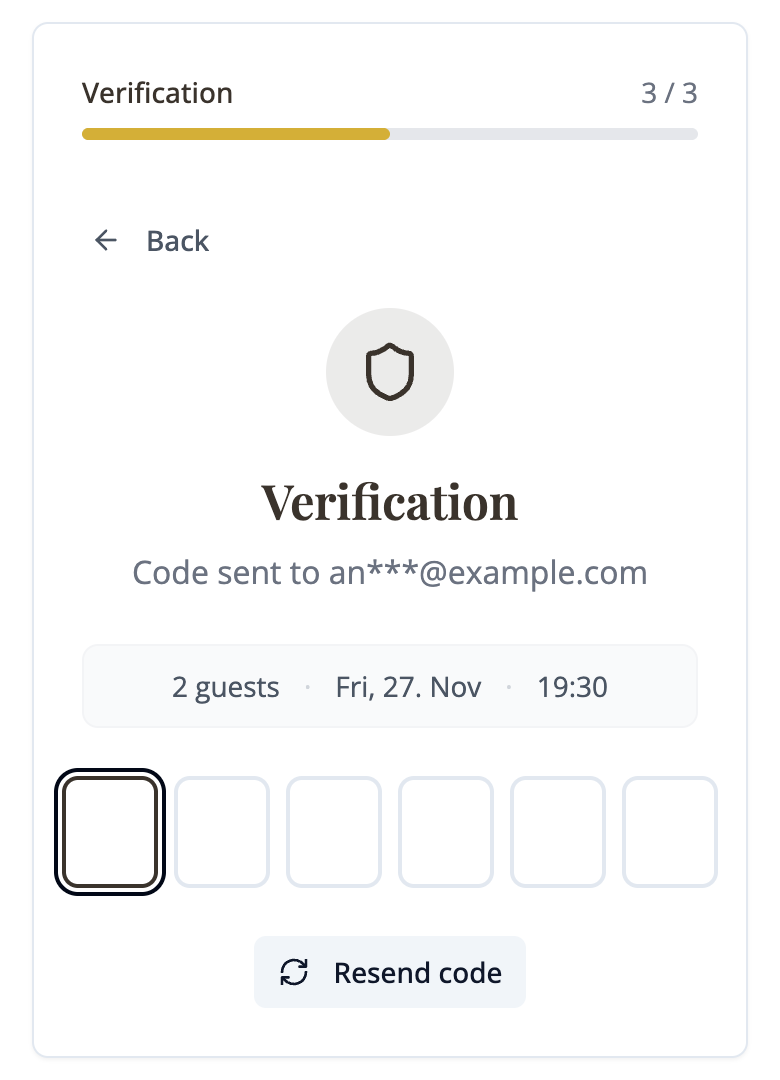
Your guest chooses the number of guests, the date and the time on one page. Then they enter their contact details and confirm with a six-digit code.
They add allergies and special requests right away. They need no account and no app.
The code protects your tables
Before an online reservation is saved, your guest as a rule confirms their mobile number or e-mail address with a code. This way you receive fewer reservations that are not meant seriously, and you can reach your guest if you have a question.
You decide whether the code comes by text message or by e-mail.
You decide what is confirmed
You decide whether a reservation is confirmed at once or whether your team accepts it first. Also possible: small parties at once, larger ones after your yes.
By the rules of your venue
Online booking follows your rules: opening hours with several time windows, closed days and special days, the length of a visit depending on the number of guests, and the number of guests you can seat at the same time.
You set a limit for large parties. Anyone above it sees your phone number.
We set up the rules together with you.
Your guest's reservation page
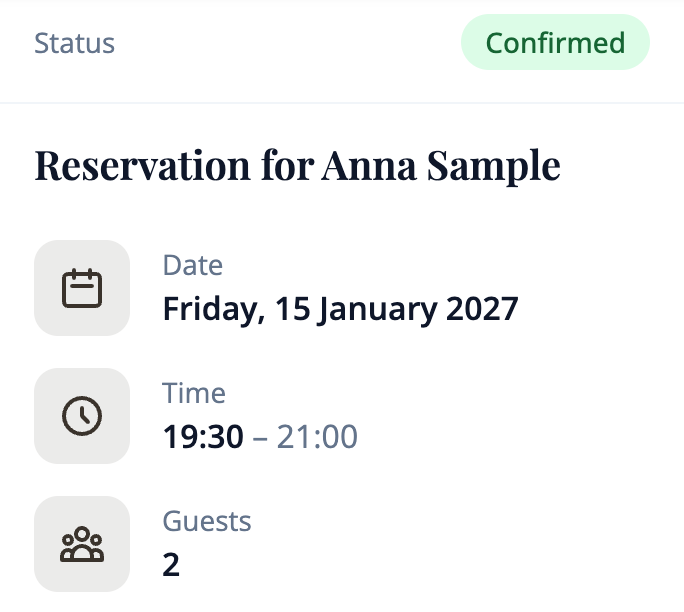
Every reservation has its own page. There your guest cancels on their own. If they want to change the date, the time or the number of guests, they ask online and your team confirms.
- With “I'm Running Late” your guest lets you know.
- They add the visit to their calendar.
- A QR code on the page is used for check-in at the venue.
Confirmations run by themselves
Your guest receives an e-mail about their reservation. If they gave a mobile number that your venue sends text messages to, they also receive the link to their reservation page by text message.
If the reminder is switched on for your venue, guests who gave an e-mail address receive a reminder by e-mail on the day before their confirmed reservation. It is not sent for reservations made at short notice.
Phone calls and guests without a reservation
Your team enters callers and walk-in guests in the Manager App. All reservations are in one day plan.
For your guests there are articles of their own in the help centre: on the code and on the reservation page. Go to help →
Frequently asked questions
- Do I pay per reservation?
- No. There is no fee per reservation and no payment commission. For online payments, only Stripe's fees apply.
- Can my guests cancel on their own?
- Yes, on their reservation page, as long as the reservation is confirmed and they have not arrived yet.
- Do my guests have to create an account?
- No. For a reservation they need no account and no app.
- What about guests who prefer to call?
- Your team enters phone reservations in the Manager App. They are in the same day plan.
Everything works together
From €199 a month.
No fee per reservation, no payment commission; only Stripe's fees apply. Setup €349 one-time, minimum term 12 months. All prices exclude VAT.
View pricing →